- ClaudeAI
- ChatGPTAI
- CursorAI
- SlackAlerts
- ZapierWebhooks
- MakeWebhooks
- n8nWebhooks
- APIYour own scripts
AI works inside the project, not on the side.
Each person connects their assistant once. From then on, the AI looks up, creates and updates tasks with that person's permissions, and the rest of the team sees every change on the board and in the activity.
- Official MCP serverClaude, ChatGPT or Cursor connect once to Ratio's MCP server, signing in with OAuth. No keys and no custom integrations. How it works
- Works with the permissions of whoever uses itIt sees the same projects and can do the same as its owner. Nothing more.
- Everything stays in sightEvery change shows on the board, in the activity and in the alerts, marked «via API».
What happened, who did it and when.
When opening a project, a summary shows what changed since the last visit: what got finished, what got stuck and who moved it, whether a person or an AI.
Since your last visit
1 task finished1 task changed status1 comment
Today
-
Jane Doe moved Product photos to In progress
-
Jane Doe completed the task Login fails on Safari
-
Mary Major commented on Product photos
I got 6 of the 10 photos; the rest arrive Thursday.
Everyone knows what is theirs to do.
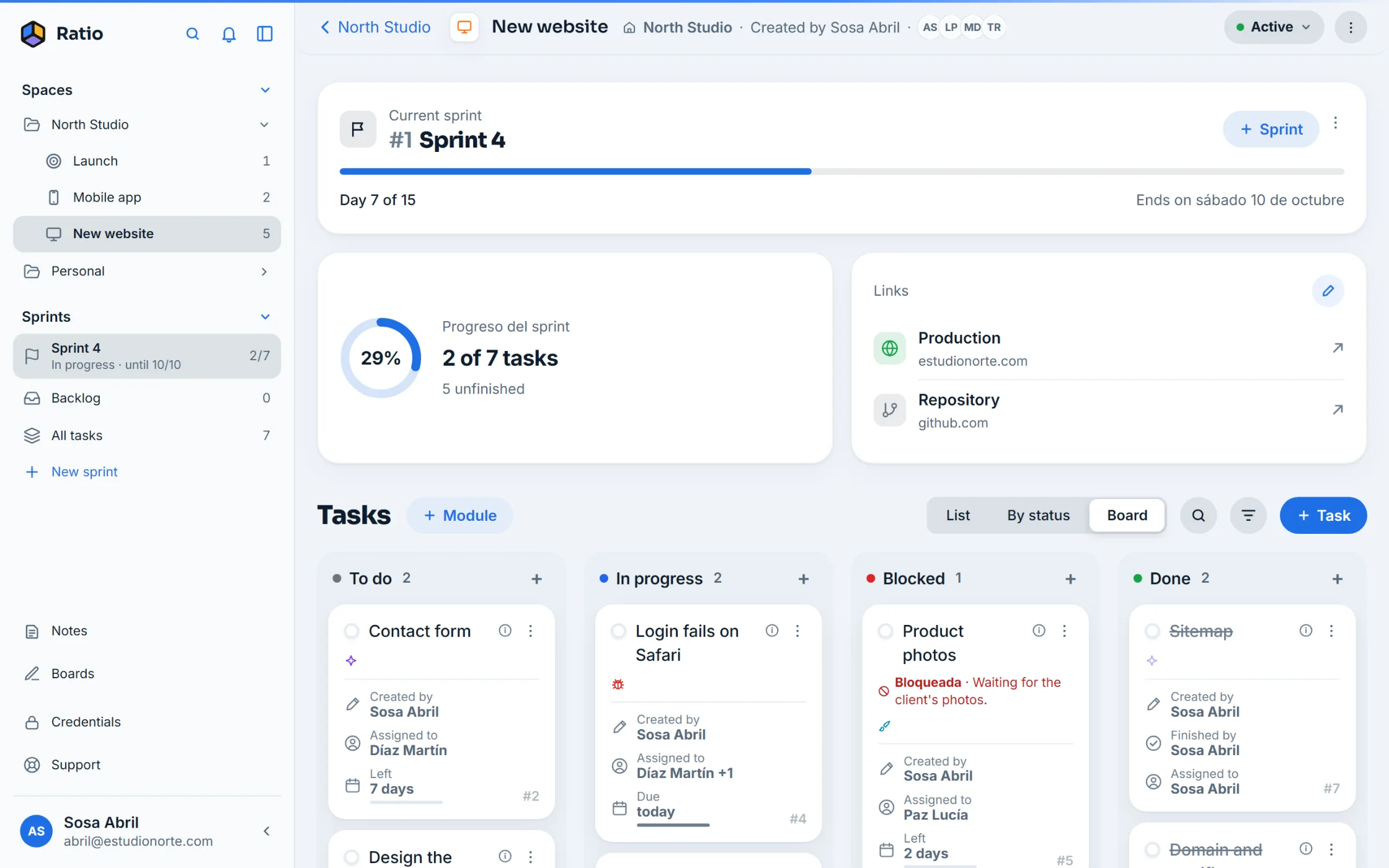
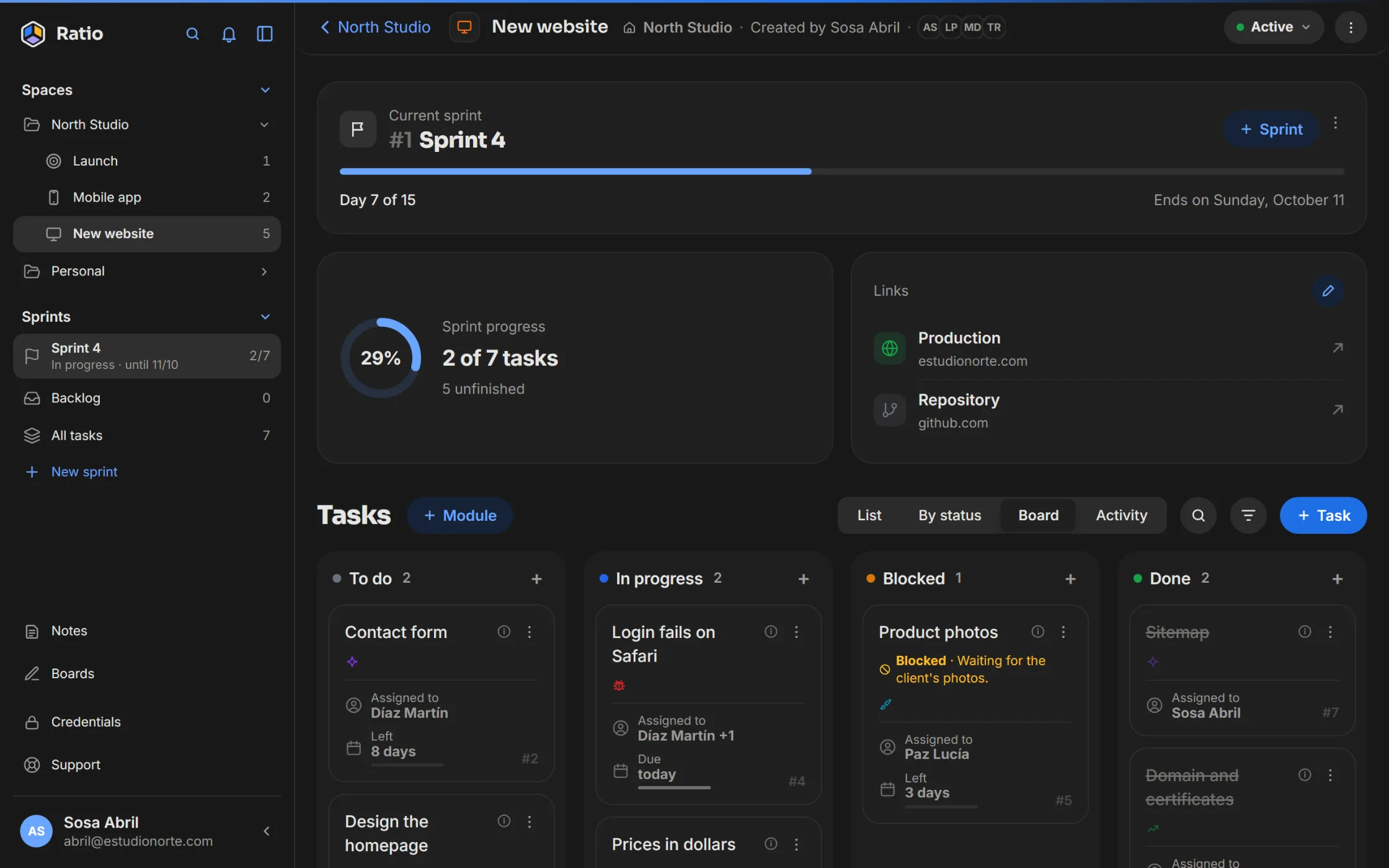
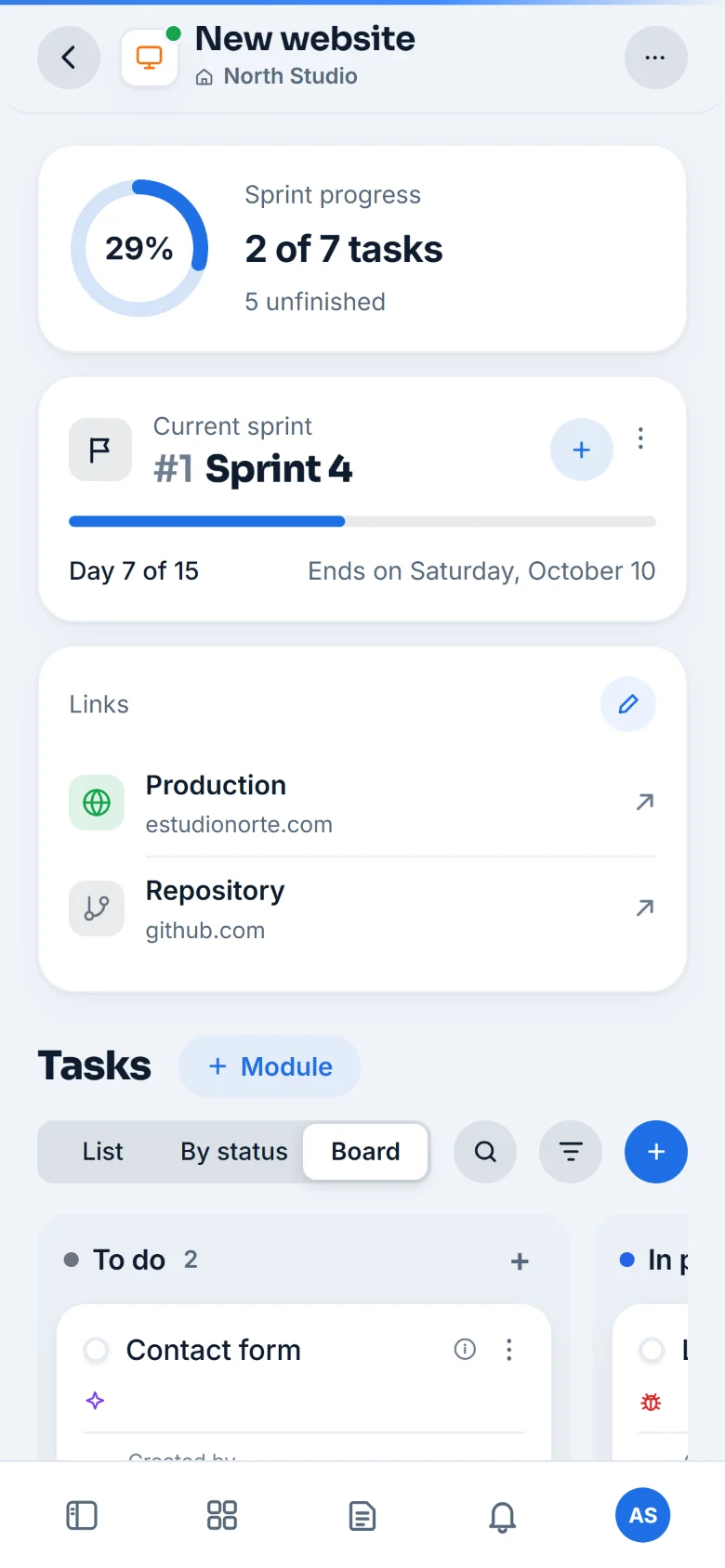
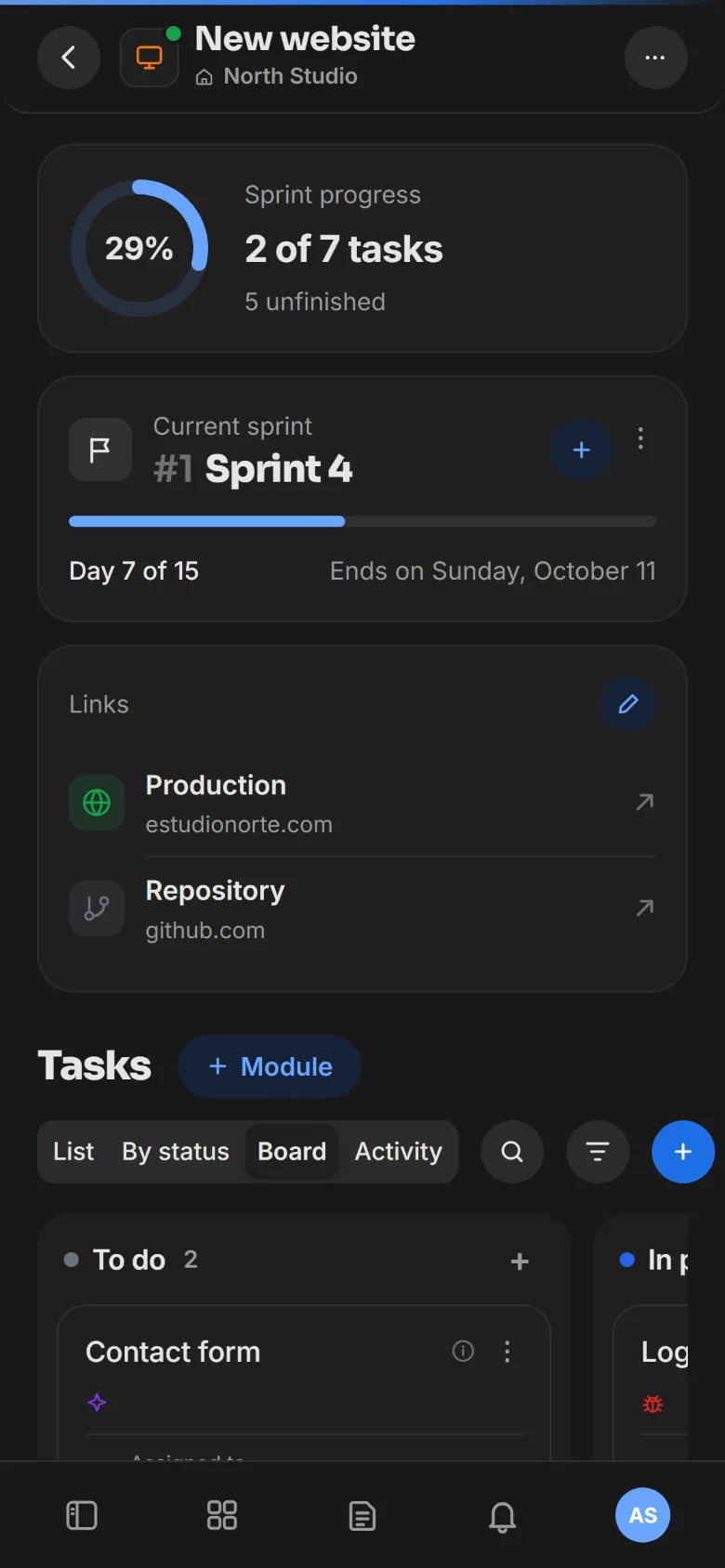
Sprints with dates and progress.
Work is grouped into batches with a start and an end. Progress shows at a glance and, when the sprint closes, whatever is left moves to the next one.
Tasks with an owner, a date and a status.
When a task gets stuck, the reason and who it depends on stay written down, in sight of the whole team.
Blocked · Waiting for the client's photos.
Alerts for whoever they concern.
Assignments, mentions and due dates reach the right person: on the web, on the phone or in Slack.
- You were assigned a task«Login fails on Safari» — assigned by John Smithjust now
- Due today: Product photosThe estimated date is October 3.9:00
- Mary Major mentioned you«@Jane 6 of the 10 photos are in»yesterday
Spaces, projects and tasks. Each with its color.
Three levels, the same three colors as the logo. Nobody gets lost looking for where something went.
-
Space
Your team or an area of work. This is where you invite people.
E.g.: Marketing -
Project
A specific goal, inside a space.
E.g.: Launch the new website -
Task
What needs to be done, with an assignee, status and date.
E.g.: Design the homepage
And sprints? Inside a project, tasks are grouped into sprints: batches of work you close when they're done (with start and end dates, if you like). Anything not in a sprint stays in the backlog.
You pay per space, not per person.
The whole team gets in with no cost per user. Only the space that needs it moves to Pro; the rest stays on Free.
Unlimited projects, sprints, boards and tasks, for you or a small team.
- Board, sprints and activity
- Alerts on the web and on the phone
- Your AI connected
More people per space, integrations and public links. With a free trial.
- Everything in Free
- Slack and webhooks
- Public links to a sprint
The team and its AI, working on the same thing.
Ratio is in private beta. The waitlist is already open.